
A seed map predicts world-generation features for a specific Minecraft edition, version and dimension. The seed alone is not enough: selecting the wrong generator version can send a player to coordinates that do not match the world.
Use the map as a planning aid, verify important locations in a copied world, and remember that chunks generated before an upgrade retain their existing terrain.
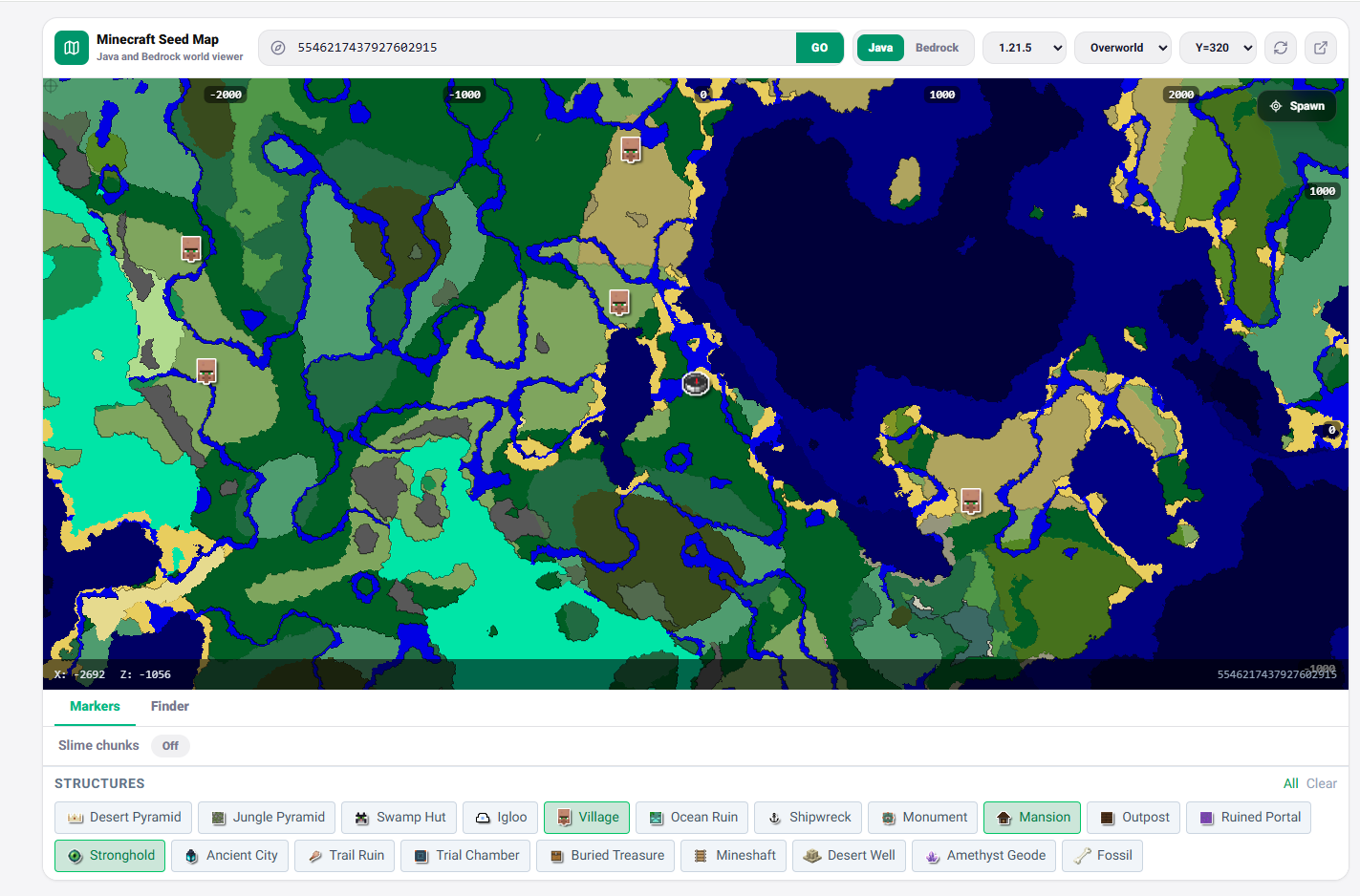
Use a seed map without navigating to the wrong coordinates
- Select Java or Bedrock and the exact world version.
- Paste the numeric seed, including a leading minus sign when present.
- Choose the correct dimension before searching for a biome or structure.
- Record both X and Z and verify the location in a copied or creative world.
World-generation changes can move structures between versions even when the seed is unchanged. Existing chunks keep terrain already generated, so a map prediction for a newer version applies only to chunks generated under that version. Structure presence can also depend on edition-specific rules.
Turn coordinates into a route
Compare several candidate locations instead of travelling to the first result. Record portal-scaled coordinates for Nether travel when appropriate, bring recovery coordinates, and avoid assuming a marker guarantees accessible loot. Terrain, structure pieces and explored chunks still need an in-game check.
