
A Minecraft proxy gives players one public entry point for several backend servers. It can connect a lobby, survival world and minigames without asking players to save a different address for every backend.
Velocity and BungeeCord-compatible proxies have different configuration and forwarding workflows. Choose the implementation supported by your plugins and server software, then follow its current documentation instead of copying settings between proxy families.
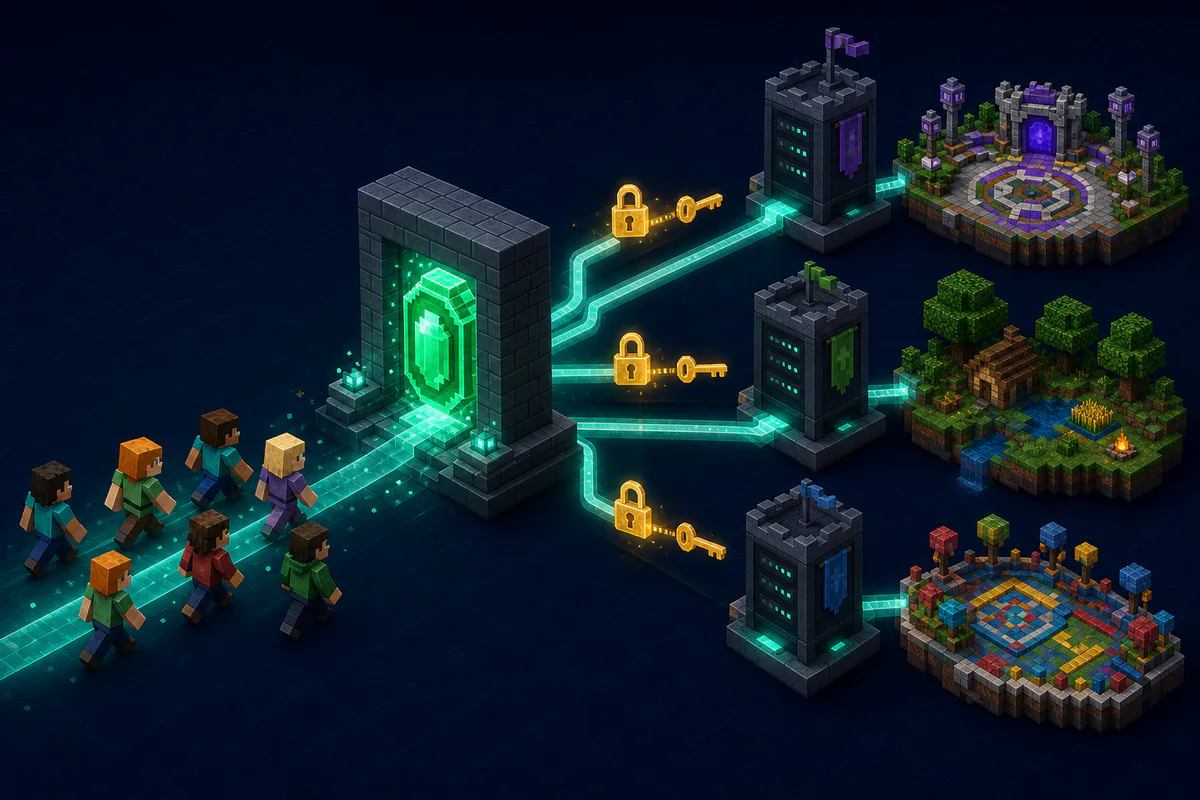
Protect player identity forwarding
Do not expose backend servers as unprotected public entry points. Restrict backend network access to the proxy, configure the documented forwarding mode and keep forwarding secrets private. On a Velocity network using modern forwarding, the proxy and supported Paper backends must be configured for the same forwarding secret.
Validate the network before launch
- Start the proxy and one backend, then read both logs for forwarding or authentication errors.
- Join through the proxy with a normal player account and confirm the expected UUID, skin and permissions.
- Switch servers twice and verify inventory or session behavior supplied by the plugins in use.
- Attempt a direct backend connection from outside the trusted network. It should be blocked.
- Restart the network and repeat the login test before adding the remaining backends.
Use the MOTD Creator for the public server-list message, but keep network security and forwarding configuration in the proxy and backend documentation.
Plan the network before editing configuration
- Run the proxy on the public address and keep backend servers private whenever the host permits it.
- Choose the forwarding mode supported by the proxy and backend platform.
- Configure the same forwarding secret where required.
- Point player traffic at the proxy, not directly at lobby or game servers.
- Test joins, UUIDs, skins, permissions and server switching with a non-operator account.
Do not expose offline-mode backends
Backend servers commonly trust the proxy to provide player identity. If players can connect to those ports directly, they may bypass that trust boundary. Use firewall rules, private networking or host-level access controls, and never treat a generated configuration file as a substitute for network security.
Velocity and BungeeCord do not use identical forwarding settings. Follow the documentation for the exact proxy, server software and Minecraft version, then check startup logs for forwarding or secret mismatches.
