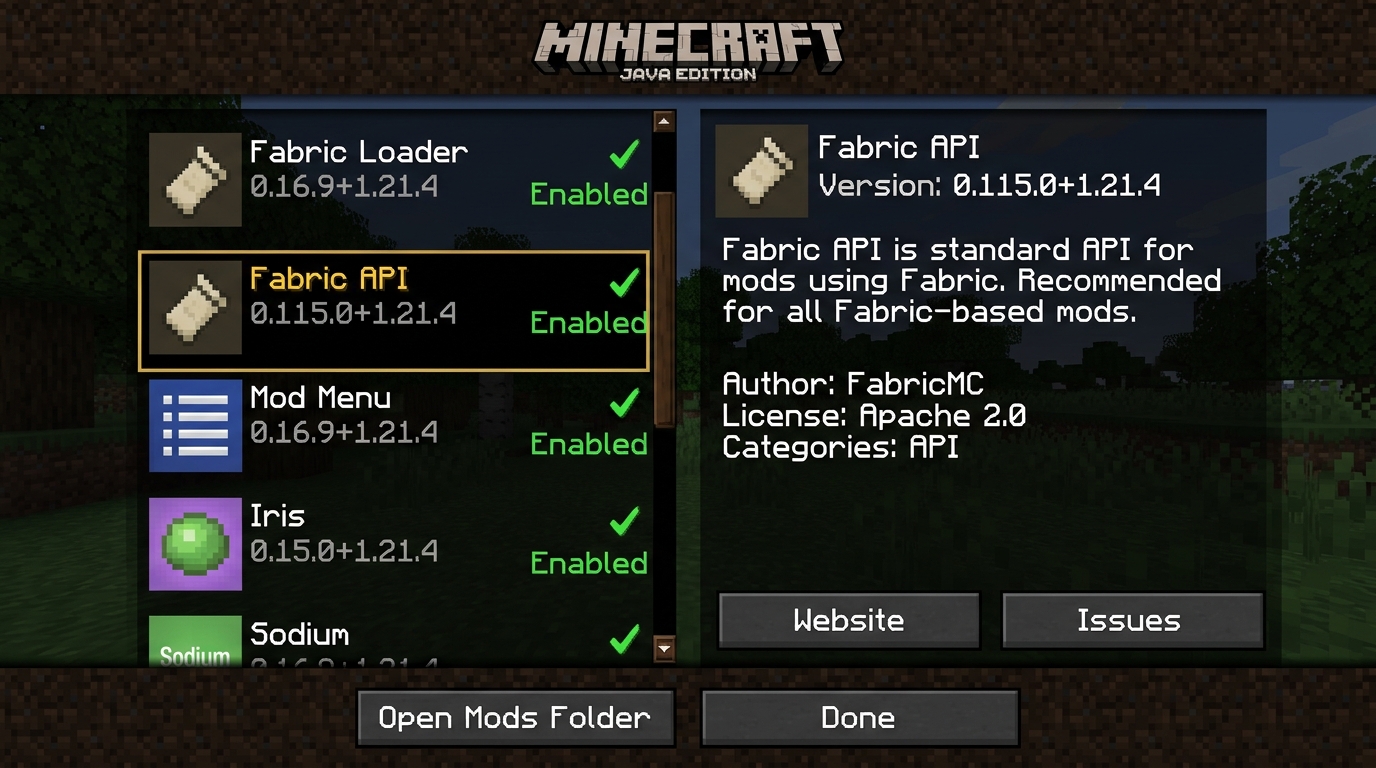
Community Performance Assessment: Does Fabric API Cause Lag?
Debunking common performance myths and analyzing the dormant sub-module architecture.
A frequent question among Minecraft players and modded server hosts is whether bundling dozens of sub-modules inside a single fabric-api.jar creates background lag or CPU overhead. The technical reality is: Zero Measurable Overhead.
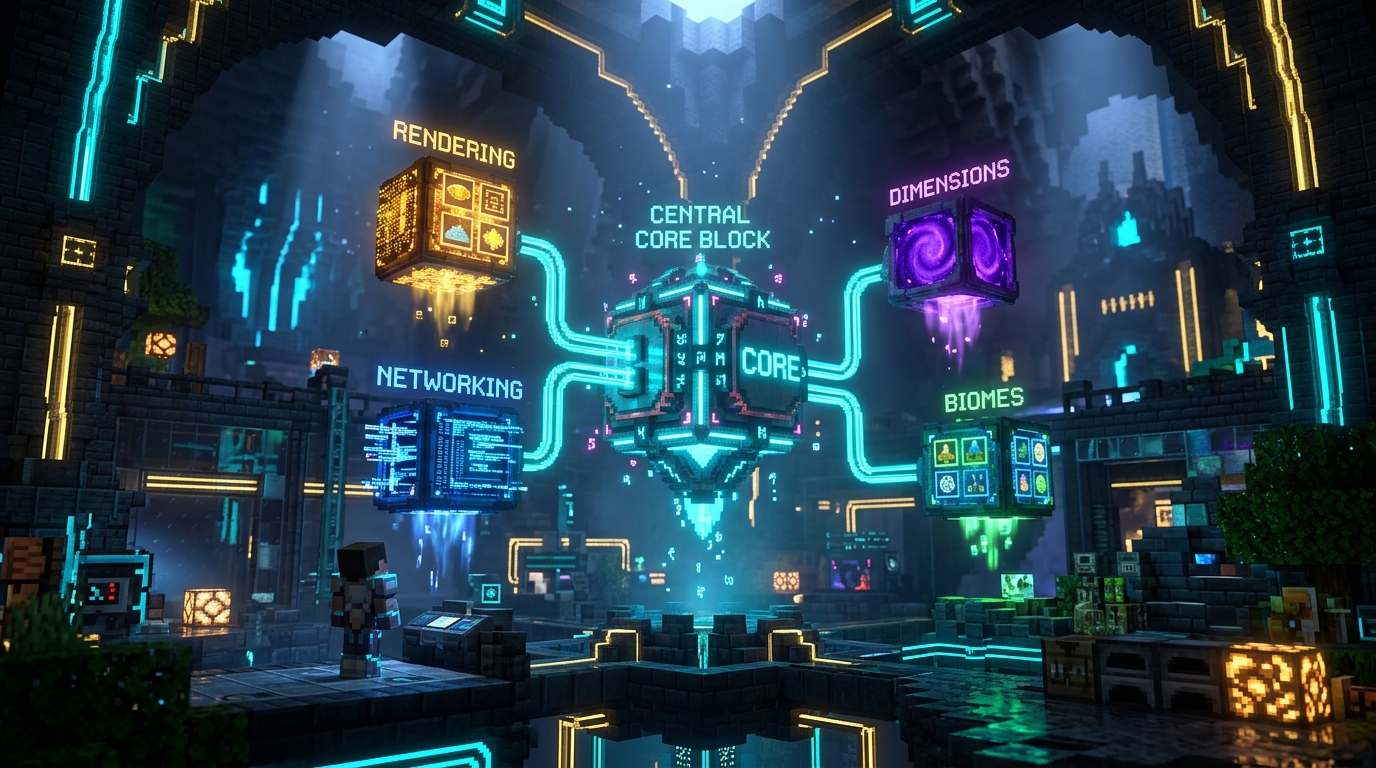
Fabric API is divided into over 40 granular, independent sub-modules. If your mod list never calls a specific hook (e.g. you have no custom biome mods), the fabric-biome-api module remains entirely dormant without consuming any CPU cycles.
The modding community created bridge projects like Sinytra Connector / Forgified Fabric API to translate Fabric mods over to NeoForge, demonstrating that Fabric API's clean interface design has become the de-facto standard for modern Minecraft optimization mods.
Interactive Breakdown: Core Fabric API Sub-Modules
Click any module below to examine its exact technical role and in-game use cases.
Bundled inside the fabric-api.jar are powerful, decoupled interfaces:
Provides high-performance hooks for non-standard block model rendering, connected textures, and native integration with Sodium and Iris shaders.
fabric-renderer-api-v1- Sodium & Iris shader pipeline
- Connected textures (CTM)
- Custom 3D block geometry
API Design Philosophy: Fabric API vs. Forge EventBus vs. Architectury
Comparing modular decoupled hooks against monolithic event dispatch pipelines.
| Feature |  Fabric API Fabric API |  NeoForge / Forge NeoForge / Forge |  Architectury Architectury |
|---|---|---|---|
 | Modular sub-APIs (dormant when unused) | Monolithic global EventBus | Multi-loader abstraction layer |
 | Strictly tied to minor MC builds | Strictly tied to minor MC builds | Follows underlying platform |
 | Renderer API (Sodium / Iris native) | BakedModel pipeline | Per-platform wrapper hooks |
 | Near zero (Direct Invokers) | EventBus dispatch overhead | Thin delegation layer |
Fixing 'Incompatible mod set found! Missing: fabric-api'
How to diagnose and resolve the #1 most common Fabric startup error.
How to fix: Download the matching Fabric API jar file corresponding to your exact Minecraft version (e.g. Minecraft 1.21.4 requires the build with +1.21.4 in its filename) and drop it directly into your .minecraft/mods/ folder. Do not extract the jar!
fabric-api-0.115.0+1.21.4.jar denotes API build 0.115.0 compiled specifically for Minecraft 1.21.4. Always check the string after the plus sign!