
Minecraft circles are block approximations of a curve, and spheres are stacks of those circular slices. Accuracy comes from measuring the diameter consistently and mirroring verified sections, not from freehand placement.
Generate the target size, mark the center and four extremes, then finish one quadrant or one Y layer before copying it across the build.
How to follow a circle blueprint
- Choose an odd diameter when the build needs one center block, or an even diameter when the center should fall between four blocks.
- Mark the north, south, east and west extremes before filling any curve.
- Build one quadrant from the generated run lengths, then mirror it three times.
- Count the final width in both directions before adding walls or decoration.
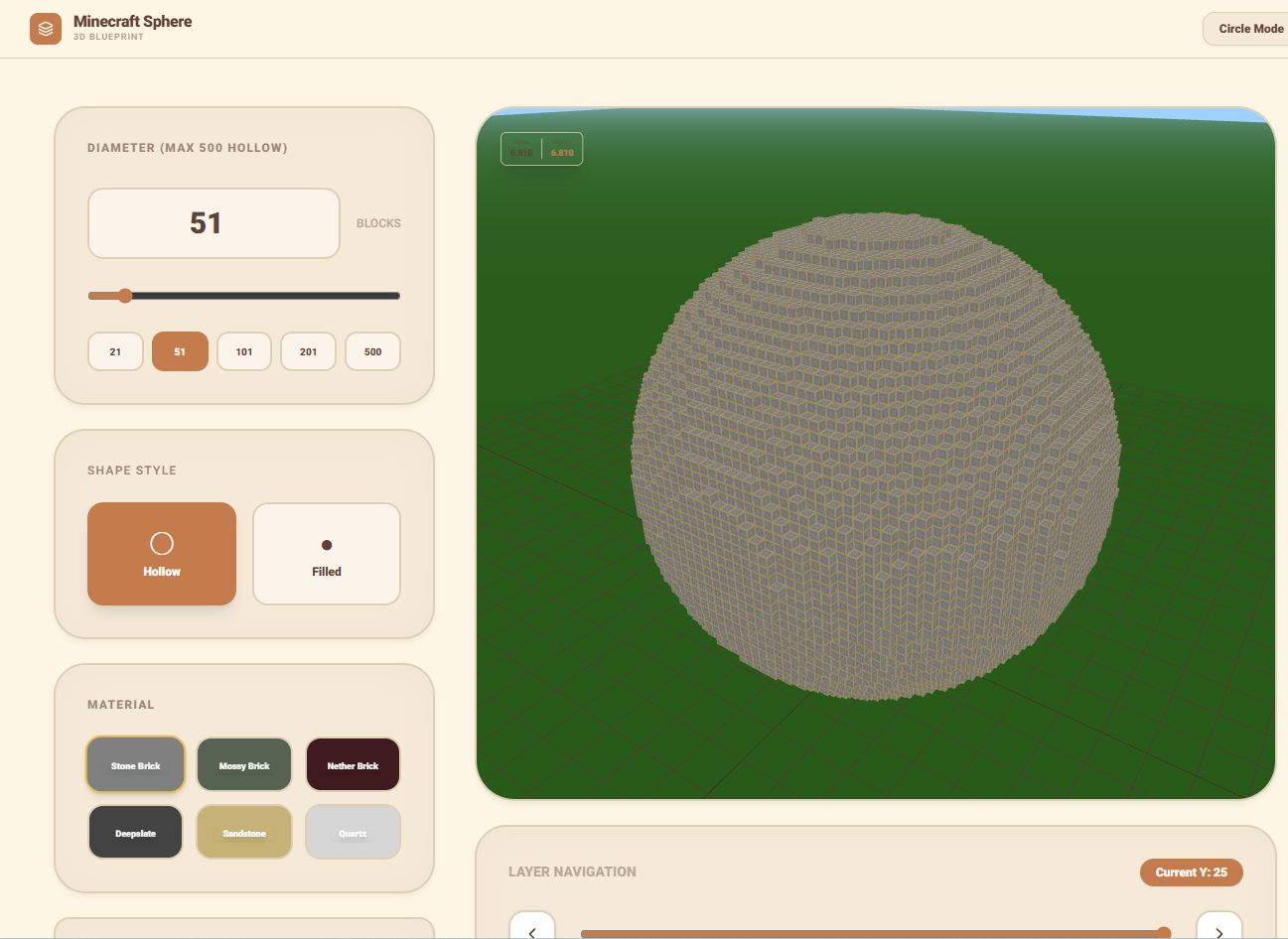
How to build a sphere without losing your layer
A sphere is a stack of circular slices. Start with the bottom slice and keep a temporary pillar beside the build with one marker per Y level. Complete and verify each layer before moving upward. For a hollow sphere, place only the outside ring shown by the blueprint. For a solid sphere, fill the interior after the shell has been checked.
If the finished shape looks stretched, the usual cause is a skipped layer or a diameter measured from block edges on one axis and block centers on the other. Return to the widest middle slice, verify its diameter, then compare the layers above and below it as mirrored pairs.
Estimate materials before building
Count one finished quadrant or one representative layer, then multiply only after accounting for shared axis blocks. Hollow shapes need the shell only; filled shapes require the interior as well. Use a contrasting temporary block for centers and layer markers, and remove those guides after the symmetry check passes.
