
GeyserMC allows Bedrock players (iOS, Android, Xbox, PlayStation, Switch) to join Java Edition Minecraft servers. However, misconfigured authentication leads to frequent kick errors like "Invalid Session" or "Unable to connect to world".
Top 3 Geyser & Floodgate Connection Fixes
1. "Invalid Session" / Online-Mode Mismatch
Cause: Geyser is attempting to authenticate Bedrock players against Java Mojang auth servers.
Fix: Install Floodgate alongside Geyser. Set auth-type: floodgate in Geyser's config.yml so Bedrock Xbox Live accounts authenticate automatically without needing a Java account!
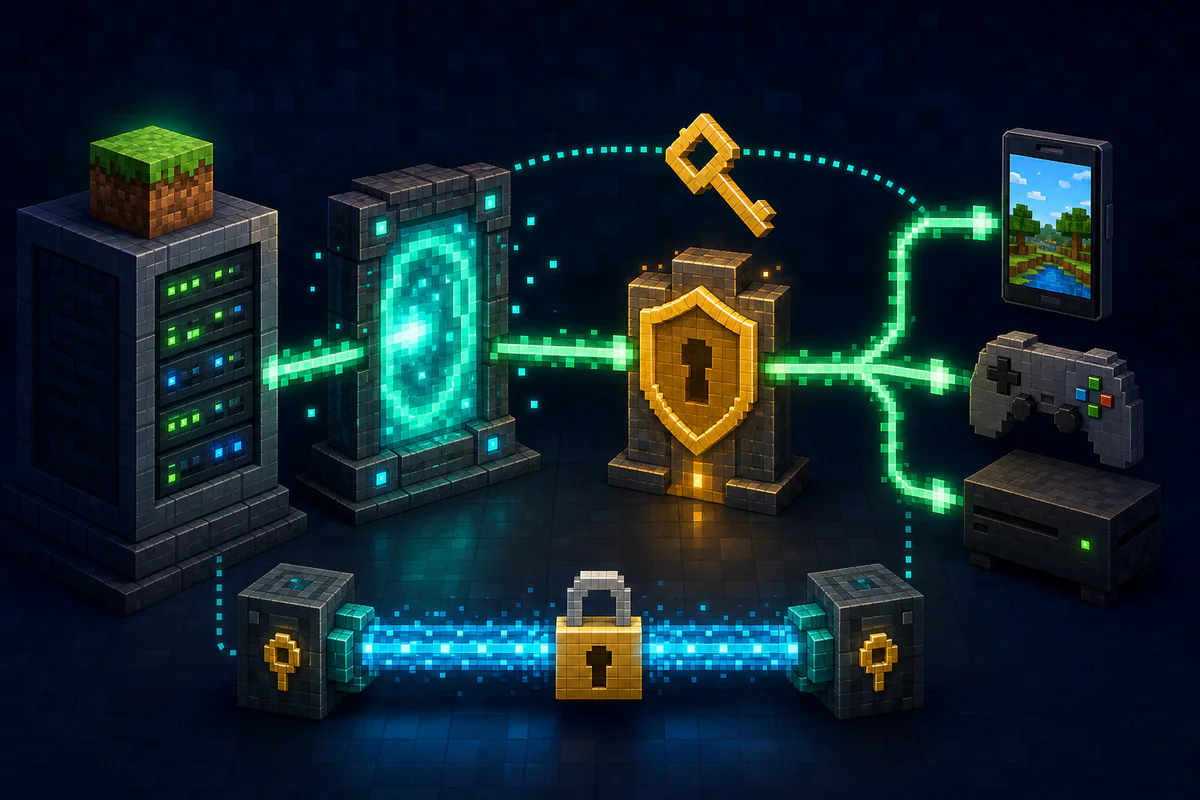
2. Floodgate Key Mismatch
Cause: The key.pem file on your Geyser standalone proxy does not match the key.pem on your backend Paper server.
Fix: Copy the exact same key.pem file from your Geyser folder into plugins/Floodgate/key.pem on all backend servers.
3. Bedrock Port Forwarding (UDP 19132)
Unlike Java Edition which uses TCP 25565, Bedrock Edition requires UDP 19132 open on your firewall!
Generate Bedrock manifest.json files easily with our Bedrock Manifest Generator!
Collect the information needed to diagnose the kick
- Record the complete disconnect message from the Bedrock client.
- Copy the matching proxy and backend log lines with timestamps.
- Note Geyser, Floodgate, proxy, server and Java versions.
- Test once through the public proxy address and once from the local network if possible.
Check the connection path
Confirm Bedrock players reach the Geyser listener, Geyser reaches the intended Java server and the authentication type matches the network design. On proxy networks, verify Floodgate is installed in the required locations and that forwarding secrets or keys are the expected files.
Do not repeatedly change ports, authentication mode and plugins at the same time. Back up configuration, change one variable, restart the affected service and compare the new log. If the problem started after an update, verify protocol support before downgrading random components.
