
Minecraft 26.x unlocked unprecedented item customization by exposing core game behaviors as modular item components. You can now make a Nether Star wearable on your head as a hat or make a Stick edible with custom potion effects!
1. The equippable Component
Equip any item onto head, chest, legs, feet, or offhand slots with custom sound effects:
[equippable={slot:"head",equip_sound:"item.armor.equip_diamond"}]
2. The food & consumable Components
Define custom nutrition, saturation, and eat animations for non-food items:
[food={nutrition:6,saturation:1.2},consumable={consume_seconds:1.5,animation:"eat"}]
3. The damage_resistant Component
Make any item immune to fire, lava, or cactus damage without making it Netherite:
[damage_resistant={types:"#minecraft:is_fire"}]
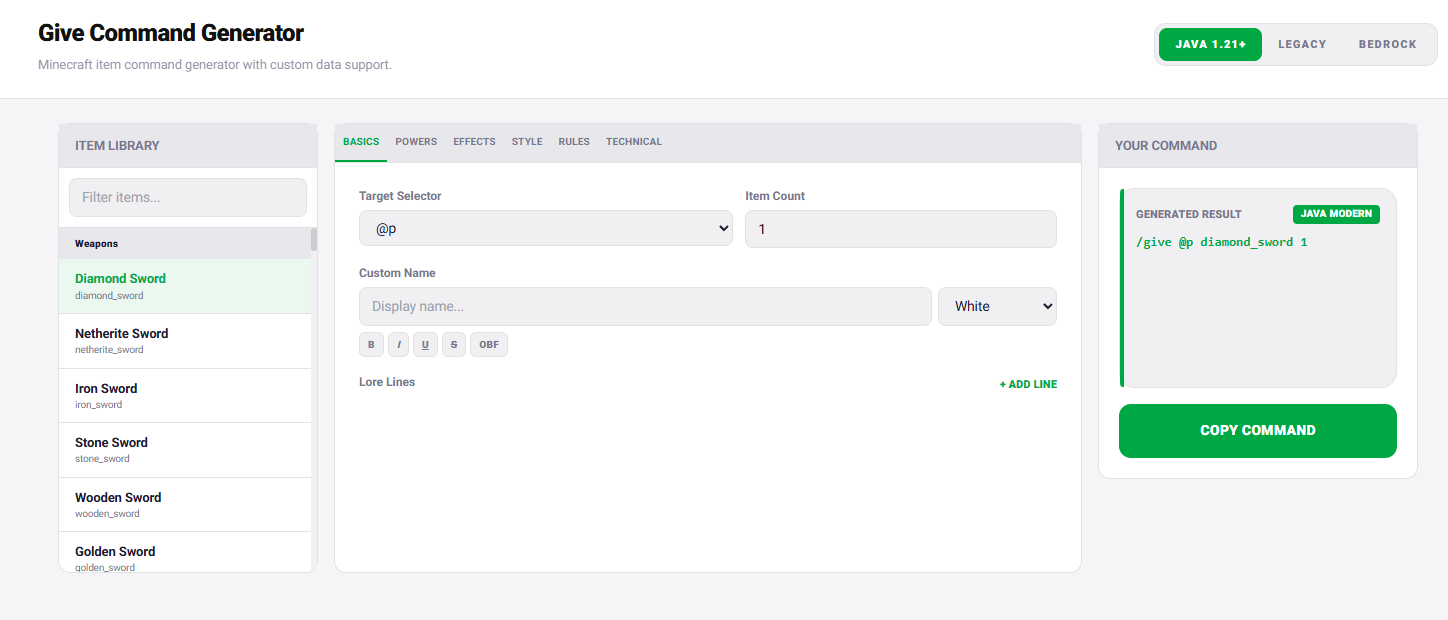
Build custom component items visually with our 1.21+ /give Generator!
Design the item as separate behaviors
- Choose a stable base item and create a minimal give command.
- Add the equippable behavior and verify the intended slot and visual asset.
- Add consumable timing and animation, then test cancellation and repeated use.
- Add food or use-remainder behavior only after consumption works.
- Inspect the final tooltip and test the item in survival and creative modes.
Why incremental testing matters
Components can be individually valid but conflict in the finished design. An item may equip correctly yet fail to consume, or consume but leave an unexpected remainder. Keep a known-good command for each step and compare it with the first failing version.
Component schemas continue to evolve. Generate syntax for the selected release and avoid copying a component object from a different game version without checking its current fields.
