
The /give command is the foundation of custom item creation in Minecraft. In 1.21, attributes like attack damage, attack speed, movement speed, and max health are attached via the attribute_modifiers component.
Adding Custom Attributes to Weapons
Want a sword that gives the wielder +4 extra hearts and +20% movement speed when held in the main hand?
/give @p diamond_sword[attribute_modifiers=[{type:"generic.max_health",amount:8,operation:"add_value",slot:"mainhand",uuid:[1,2,3,4]},{type:"generic.movement_speed",amount:0.2,operation:"add_multiplied_base",slot:"mainhand",uuid:[5,6,7,8]}]]Hiding Tooltips
To keep custom items clean, hide unwanted stats using the hide_additional_tooltip component:
/give @p golden_apple[hide_additional_tooltip={}]
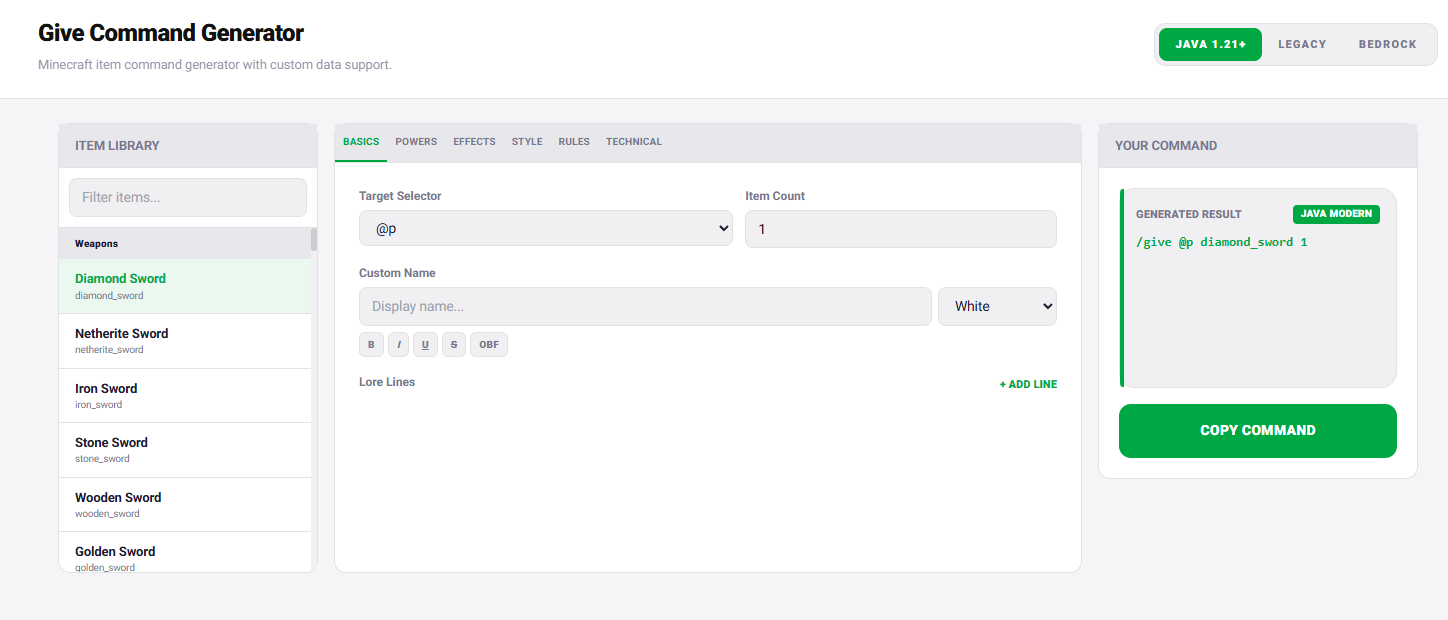
Build complex custom items visually without typing raw JSON using our /give Generator Tool!
Build a modern give command in layers
- Start with
/give @s minecraft:stone 1and confirm the target and item ID. - Add one component, such as a custom name, and test again.
- Add lore, enchantments, attributes or custom data one group at a time.
- Copy the final command into a command block or function only after it works in chat.
Match syntax to the game version
Java Edition 1.20.5 replaced old item stack NBT in commands with item components. Subsequent releases changed several component shapes and text formats. Select the exact target version and avoid mixing examples from older NBT tutorials with current square-bracket component syntax.
If the parser highlights a position in red, remove the last component and test the preceding command. This isolates the first invalid section and is faster than rewriting the entire command.
