
Structure Blocks allow map makers to save 3D building templates directly into .nbt files and spawn them dynamically using datapacks or redstone.
Structure Block Modes Explained
- Save Mode (S): Defines a bounding box around your build and exports it to
generated/minecraft/structures/my_build.nbt. - Load Mode (L): Pastes the saved structure into the world with rotation, mirror, and integrity settings.
- Corner Mode (C): Automatically calculates bounding box size between two corner markers.
Random Decay & Integrity Settings
Want a spawned building to look like ancient ruins? Set the Integrity slider to 0.75. The game will randomly omit 25% of the blocks when placing the structure!
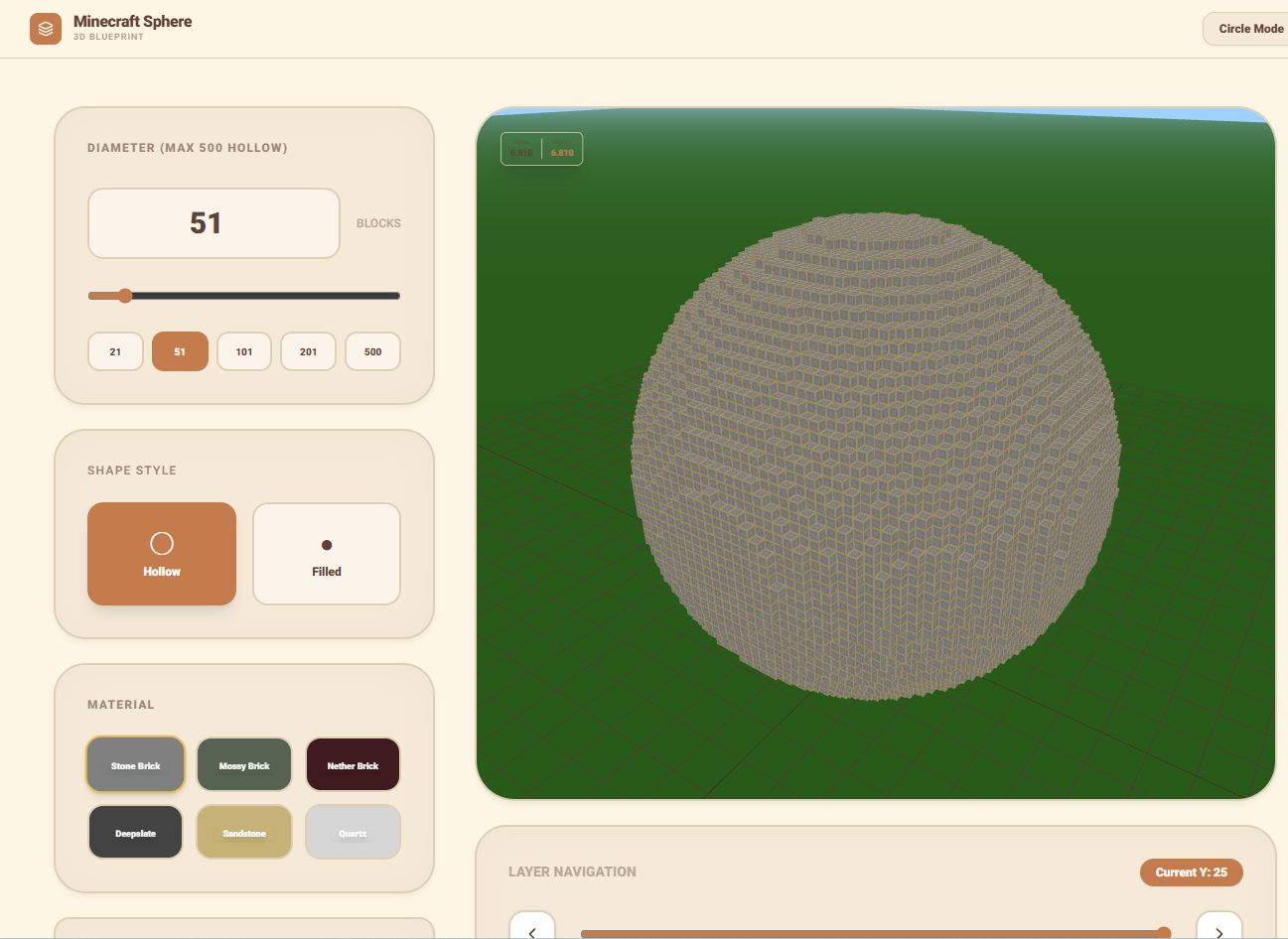
Generate 3D block geometry and circle blueprints with our Circle & Sphere Tools!
Save a structure safely
- Make a backup and enable structure block use in a test copy of the world.
- Place a save block, enter a lowercase namespaced structure ID and define the relative position and size.
- Use corner blocks when the build is difficult to measure manually.
- Preview the bounding box and confirm every intended block and entity is inside it.
- Save, then load the structure in an empty test area before using it in a datapack.
Understand integrity and entities
Integrity below 1 can omit blocks during placement, with the seed controlling the repeatable pattern. This is useful for ruins but should not be used when redstone, containers or structural supports must remain complete. Entity inclusion is separate from blocks and can duplicate mobs or item frames if a structure is loaded repeatedly.
Structure paths and size limits vary by edition and version. Keep Java structure NBT and Bedrock structure files in separate workflows.
